Product tours that build and fix themselves
Create click-by-click walkthroughs in minutes with the visual builder, publish in one click, and let the self-healing engine keep every step working as your product evolves.
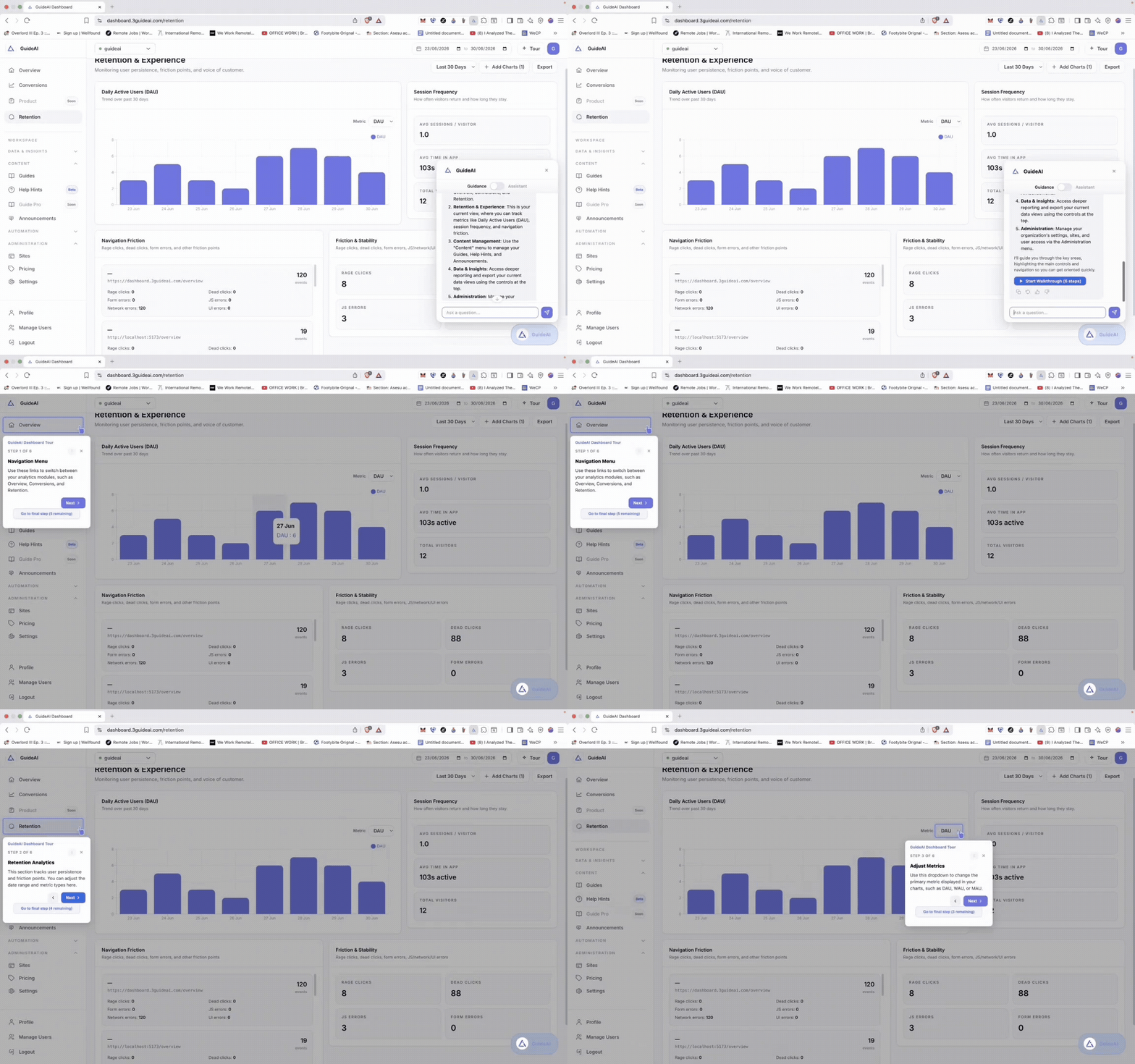
Create
Record a workflow. Get a guide.
Click through any flow in your product with the Chrome extension. 3Guide captures every step and AI turns the recording into a polished walkthrough, tooltips, highlights, and copy included.
- Visual builder — zero code, zero selectors
- AI writes step titles and instructions automatically
- Edit, reorder, and refine before anyone sees it
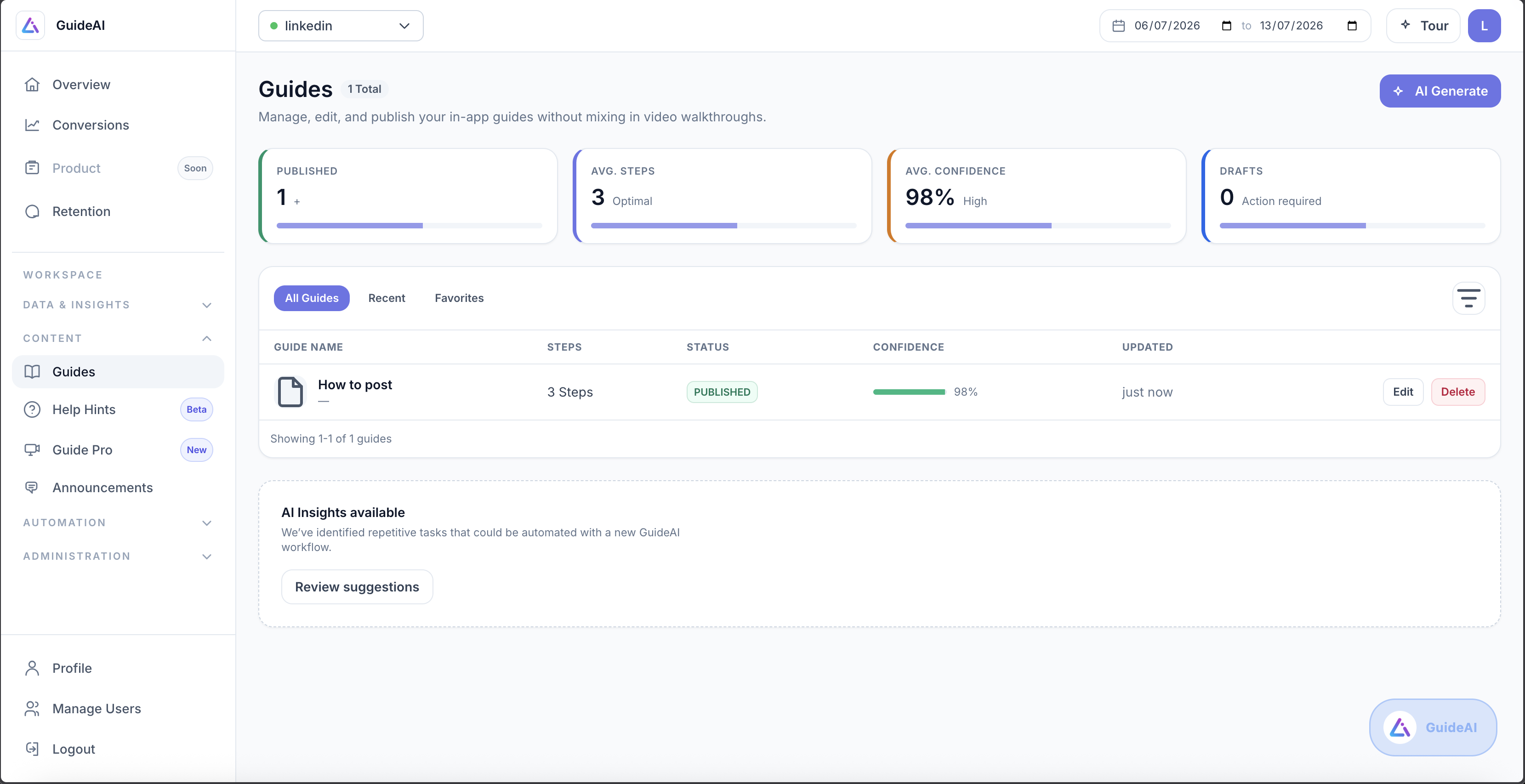
Publish
One click to production, targeted to the right users
Deploy guides instantly and choose exactly who sees them. New signups get onboarding, power users get feature announcements, and everyone else stays undisturbed.
- Target by segment, page, or workflow
- Trigger on first visit, on demand, or from a link
- Draft and published states with instant rollback
Maintain
Redesign your product. Guides keep working.
Every step is anchored with an element fingerprint like face recognition for your UI. Move a button, rename a menu, restyle a page: the engine re-locates the target and the guide carries on.
- Fingerprints combine structure, position, and semantics
- Automatic re-anchoring when elements move
- Confidence scores flag anything that needs review
0 hours of guide maintenance
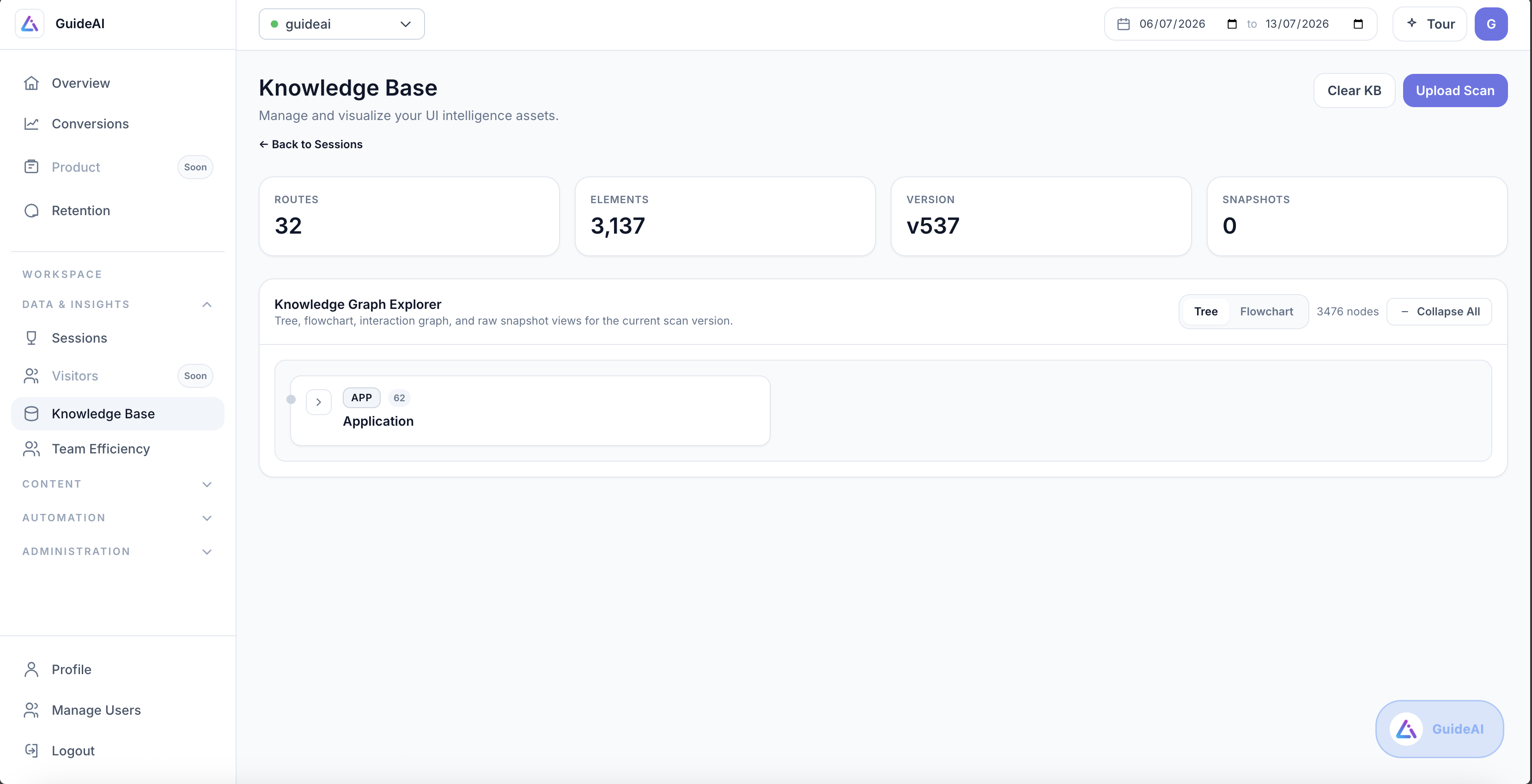
Capabilities
Everything you need to guide users in-app
Chrome extension builder
Build guides by clicking through your own product. No code, no selectors, no engineering tickets.
AI generation
Record a workflow once and AI writes the steps, tooltips, and instructions for you.
Segment targeting
Show each guide to the right users. By segment, plan, page, or workflow stage.
Video guides
Turn any recorded workflow into a polished MP4 for training decks, docs, and emails.
Confidence scores
Every guide reports how reliably its steps anchor, so you know what needs attention before users do.
Tooltips & highlights
Contextual pointers, spotlights, and step-by-step instructions that meet users where they are.
FAQ
In-app guides, answered
No. Guides are built visually with the Chrome extension by clicking through your product. Engineering is only involved once, adding the one-line install snippet.
Each step stores a fingerprint of its target element, a combination of structural, visual, and semantic signals rather than a brittle CSS selector. When your UI changes, the engine matches the fingerprint against the new page and re-anchors the step automatically.
Yes. Target guides by user segment, page, or workflow, and trigger them on first visit, on demand from the in-app assistant, or from a URL.
The SDK is a single lightweight snippet that loads asynchronously and stays out of your critical rendering path.
Ship your first guide today
Ship your first guide in minutes, answer questions automatically, and let the copilot handle the rest.
No credit card required · Set up with one snippet